How-To's and Help

How to Turn on Equipment

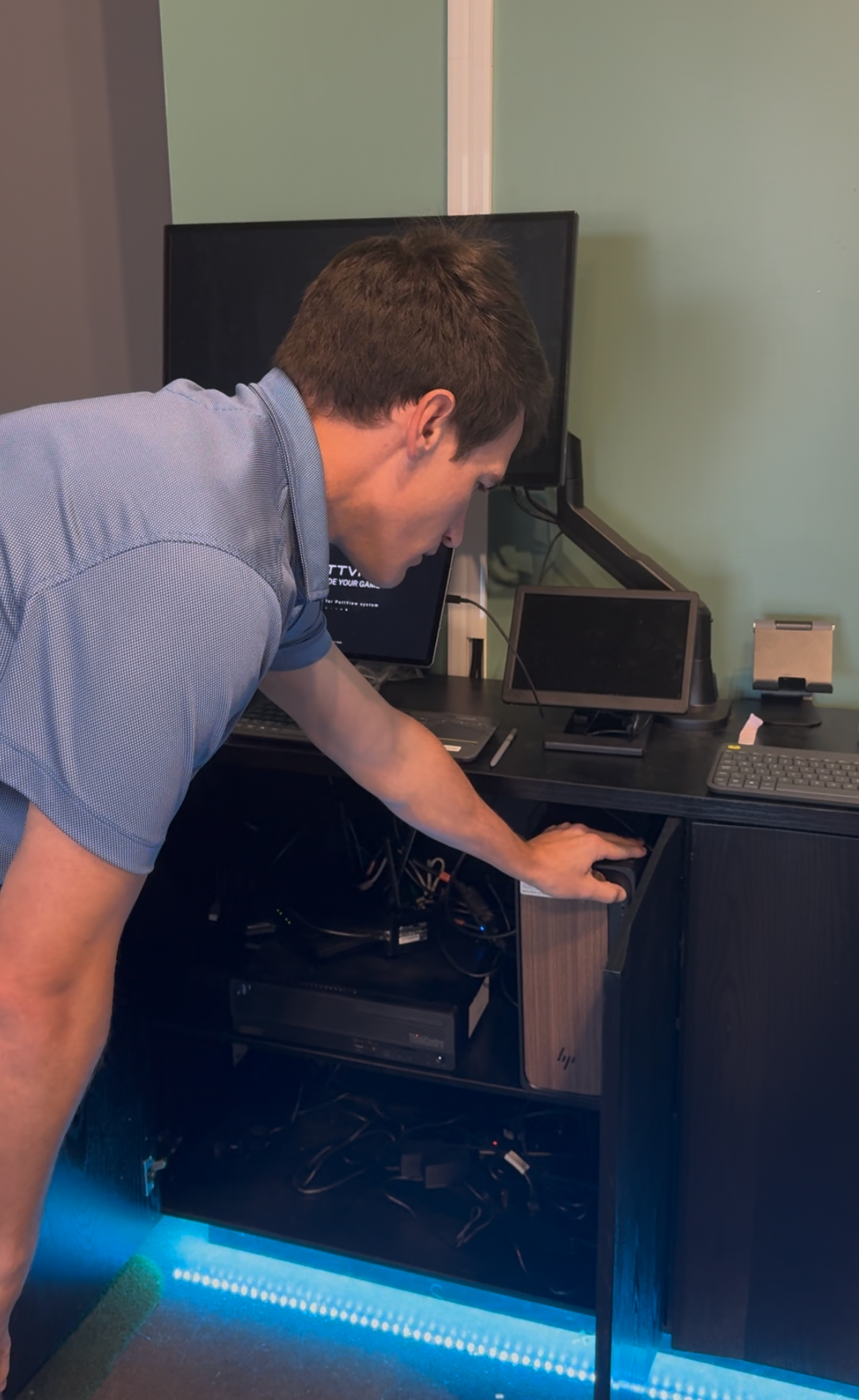
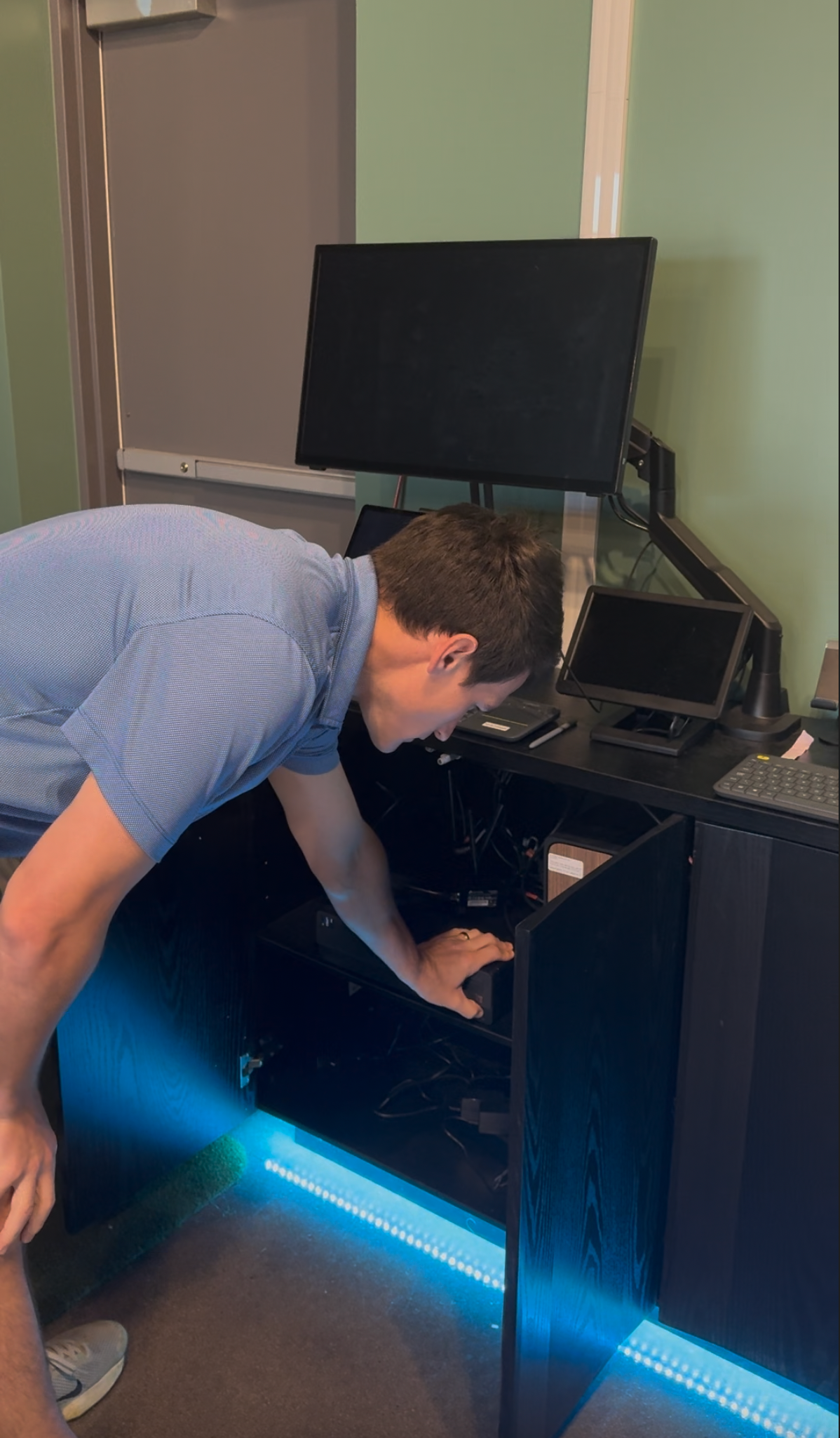
The cabinets pop open at the top just under the counter top:

  1. Power on both computers - the brown computer is Foresight, the black computer is PuttView
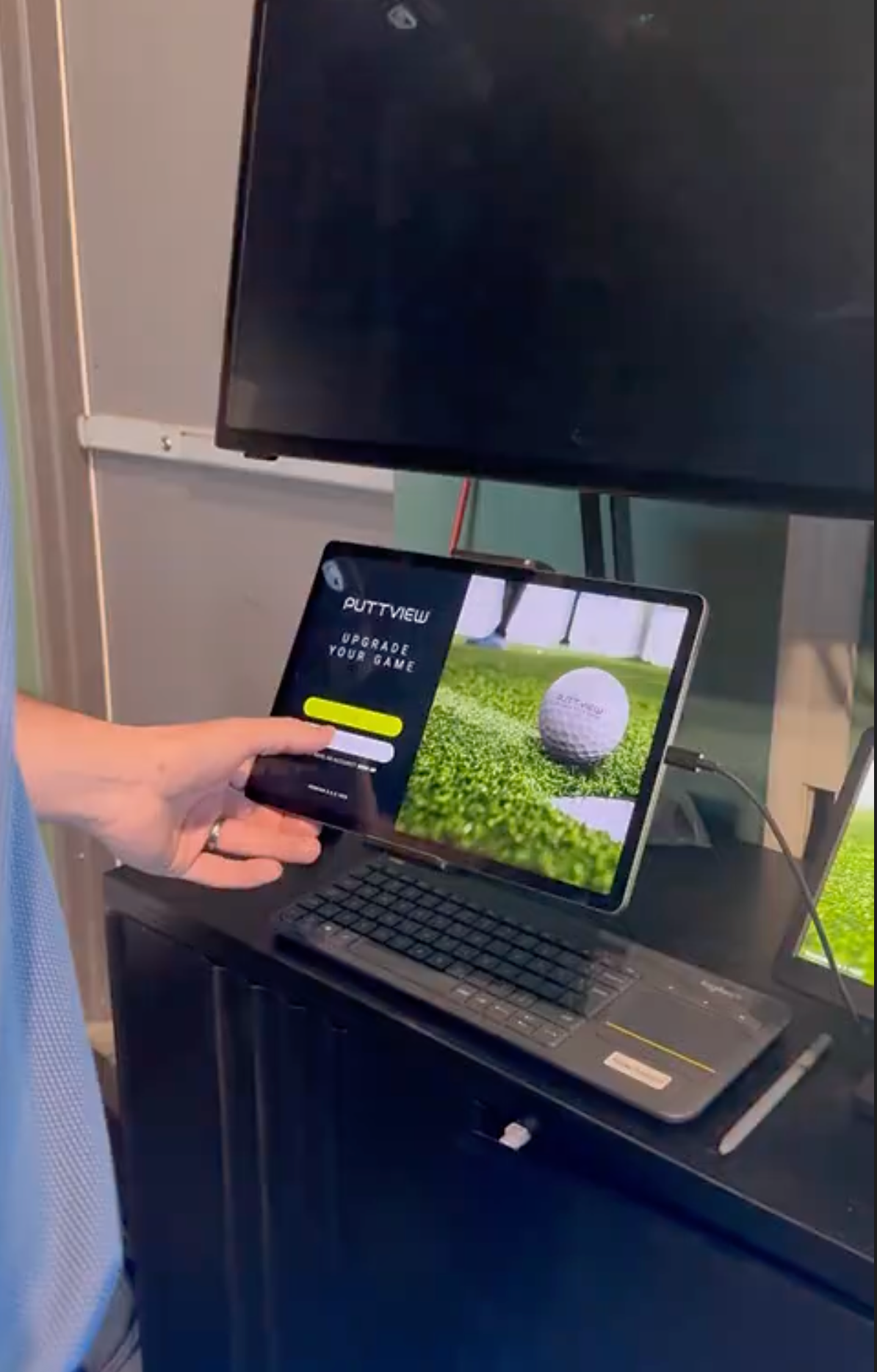
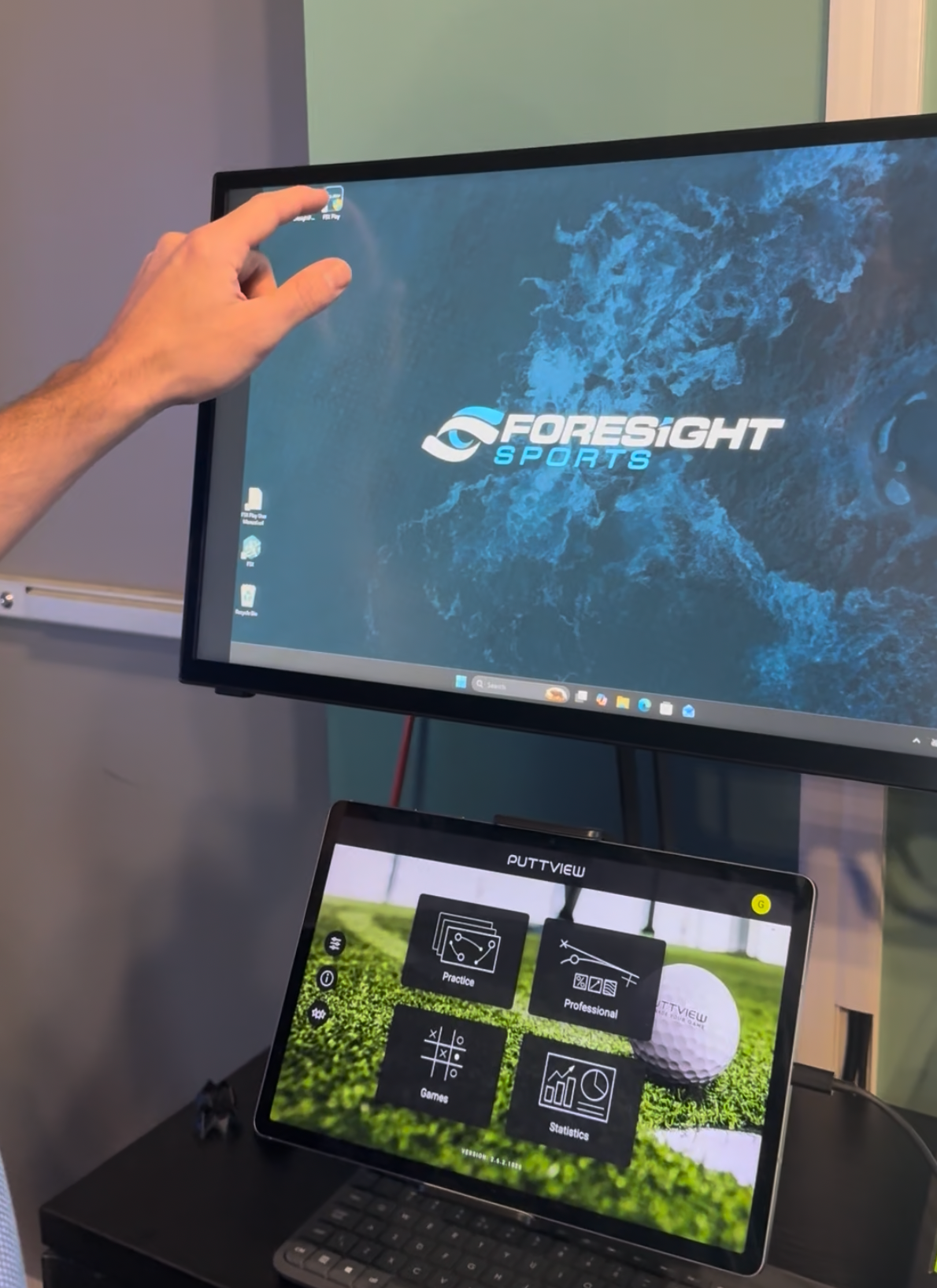
  2. The large touchscreen controls the foresight software, the small tablet controls PuttView gameplay, the small monitor controls PuttView
  3. Once everything is powered on, open the PuttView application on the small monitor using the PuttView keyboard. This will automatically power on your PuttView projector
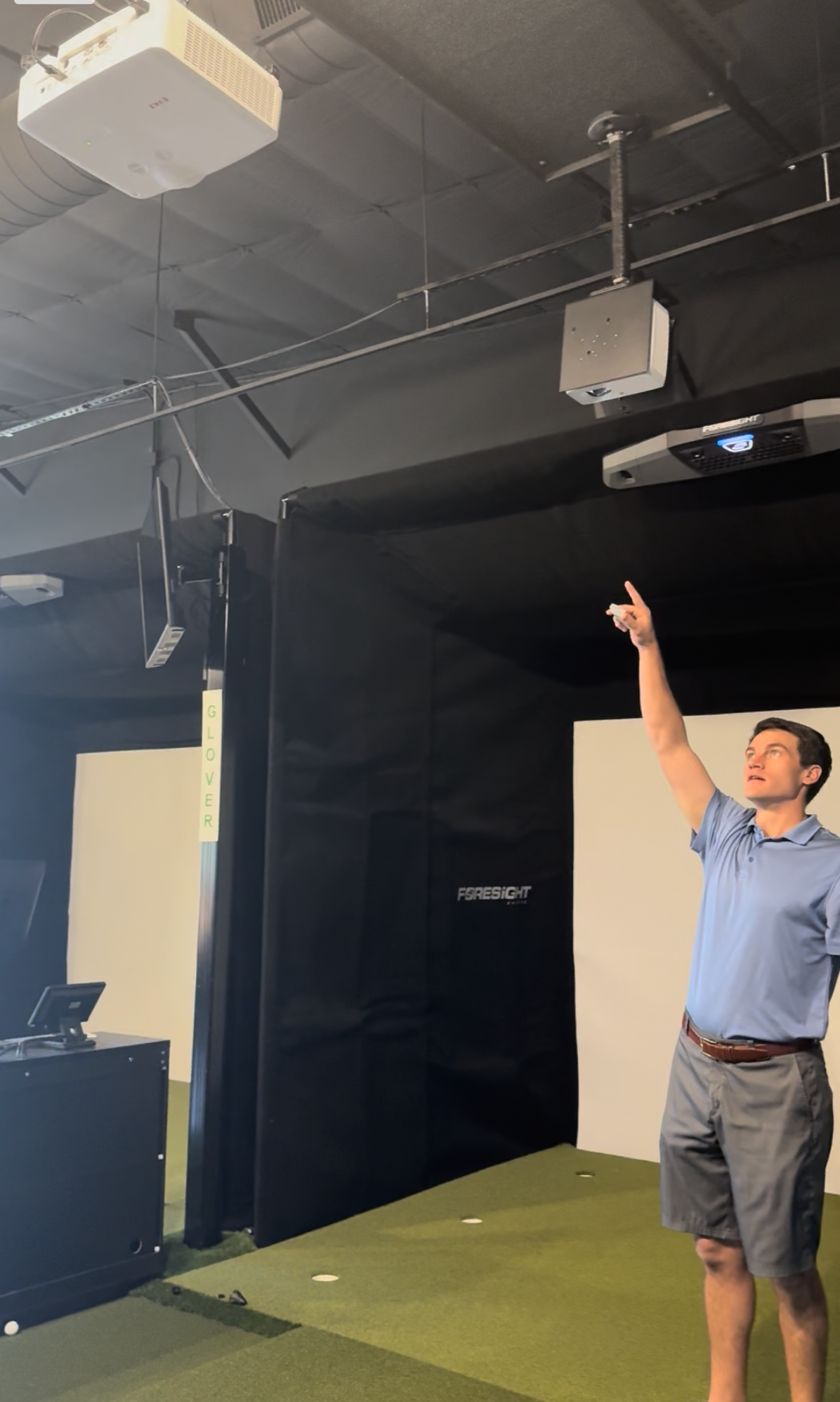
  4. if the PuttView projector does not start automatically, use the small white remote to turn it on
  5. Manually turn on the foresight projector using the small grey EIKI remote

How to Start Gameplay

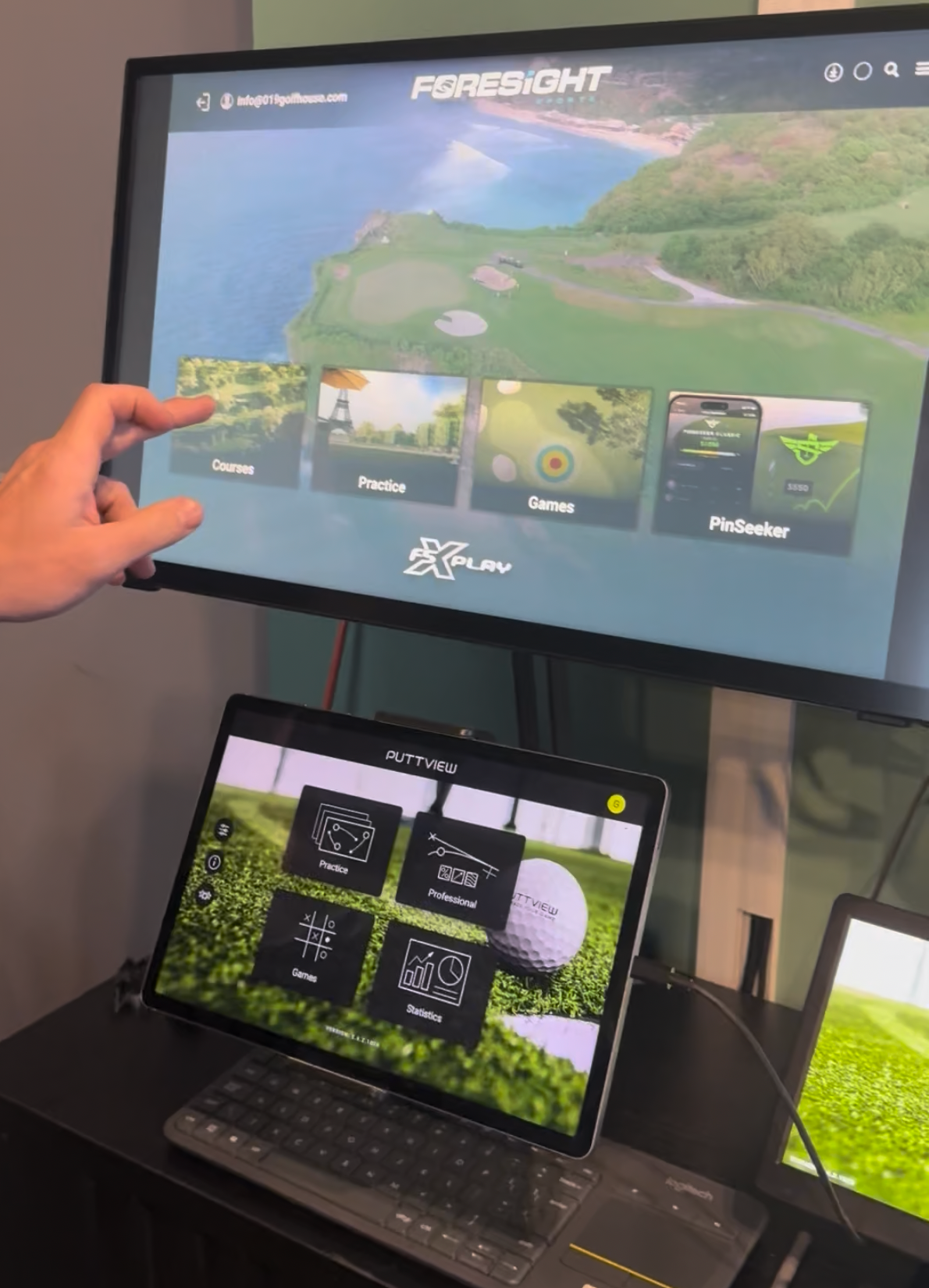
  1. On the Foresight touch screen, chose FSXPlay for courses, driving range etc.
  2. Foresight Fairground has some games that are great for kids or events
  3. If you are setting up course play, choose course. Scroll until you find what you would like to play
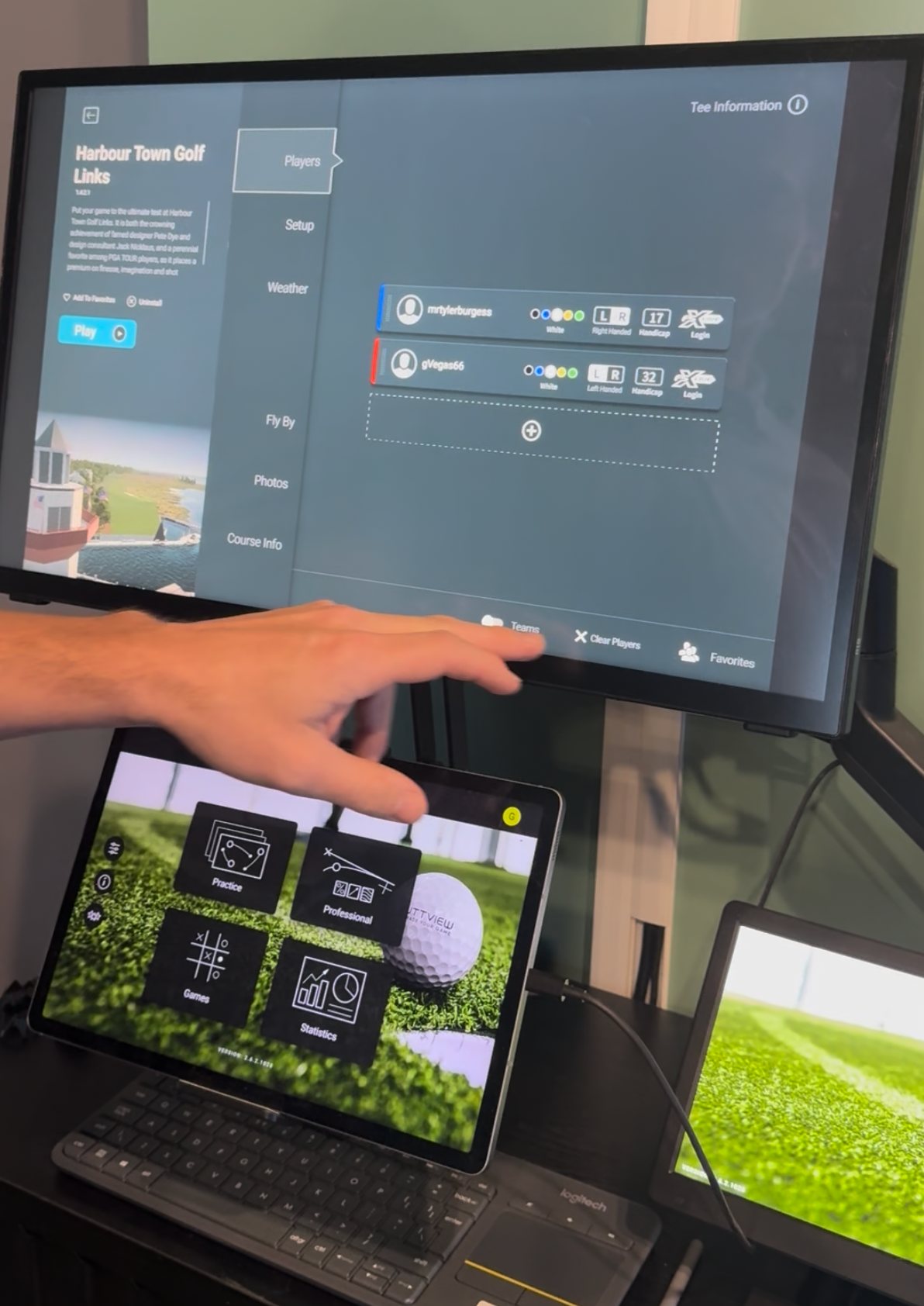
  4. Add players here
  5. if you are a member, login to your FSX play account
  6. you can add guests here as well. Tap where it says Player # and you can put in their name
  7. don't forget to choose the tees you would like to play from
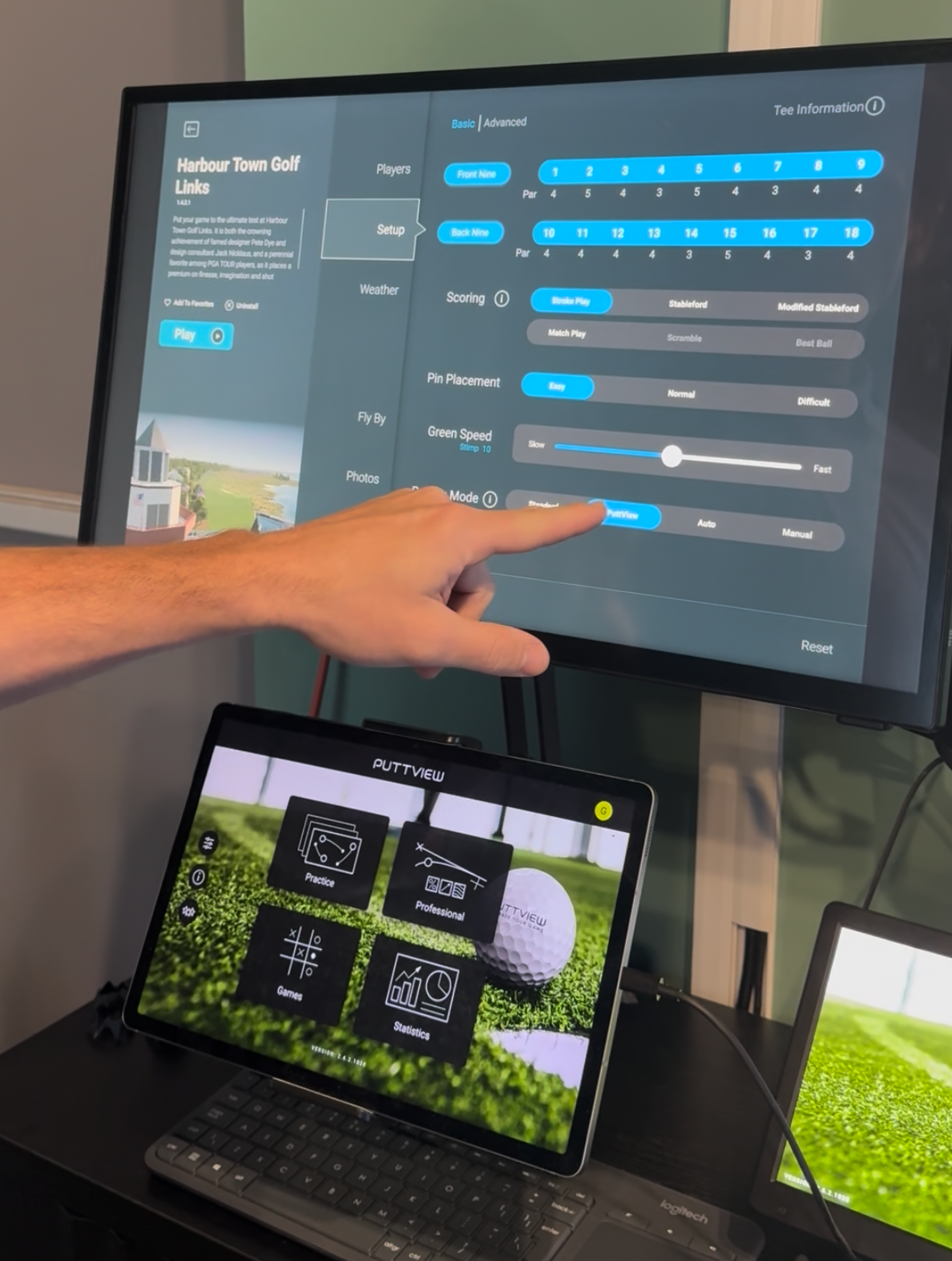
  8. Choose your settings in the setup tab


PuttView

  1. Open Puttview on the small monitor using the PuttView keyboard
  2. all other control of PuttView will be done on the tablet


Course setup and options

Under setup is where you will find all of your customizations for your round, including:

  • how many and which holes you are going to play
  • scoring/match play setup
  • speed of greens and fairways
  • gimme selections
  • PuttView enabling
  • weather conditions
  • lie penalty


How to Shut Down Equipment

  1. On the Foresight touch screen, back all the way out of the program in the top left corner.
  2. Use the Foresight keyboard to hit start and shut down.
  3. Use the grey EIKI remote to turn off the projector


PuttView

  1. Use the PuttView keyboard to hit quit in the top right corner of the small PuttView monitor
  2. Go to start and shut down
  3. PuttView should automatically shut down the projector, but if it does not, use the small white remote to do so


Your Questions, Answered

Frequently Asked Questions

  • I made my PuttView putt but it didn’t pick up.. how do I get credit for that putt?

    • Finish out the hole (try putting again). Once you’ve done that, you can adjust your score on the PuttView tablet. 

    • Click on the scorecard and then the row called PuttView and adjust your score. 

  • Foresight froze and won’t pick up my ball

    • Hard turn off the computer if it won’t let you back out of your game and save it.

    • Hold down the power button to restart

    o Your game will automatically save and it should pull you up right where you left off when the computer restarts